Install Local LLM (Quick Guide)

This guide will walk you through the process of installing Ollama on a fresh Ubuntu setup, enabling you to run the model on your own hardware without relying on cloud-based services.
1. Install curl
sudo apt update
sudo apt install curl -y
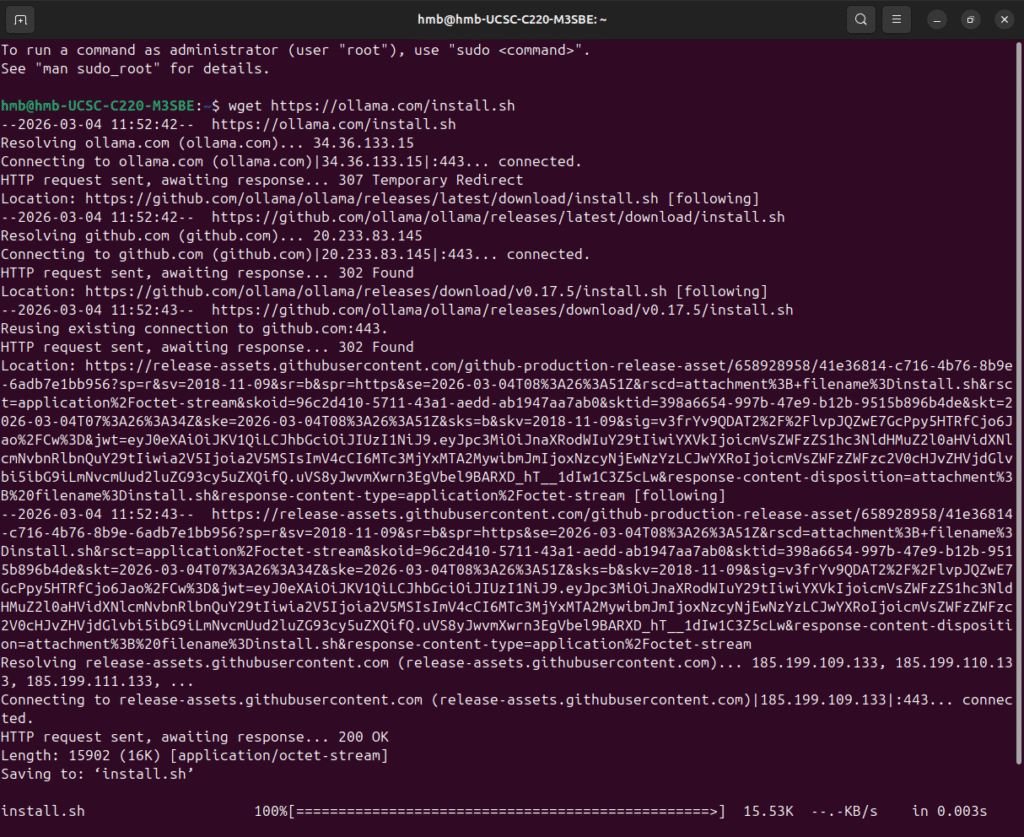
2. Install Ollama
curl -fsSL https://ollama.com/install.sh | sh
Verify:
ollama --version
3. Run a Model
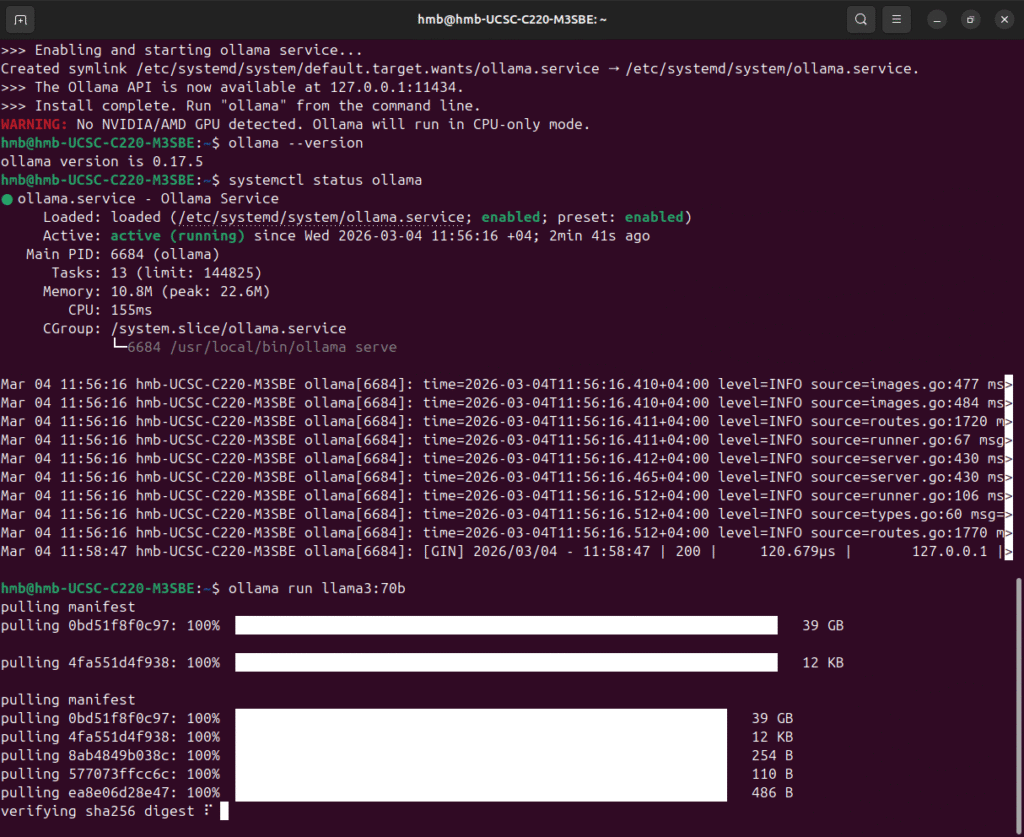
Example (recommended for CPU):
ollama run llama3:8b
Or faster 7B option:
ollama run mistral:7b
First run will download the model
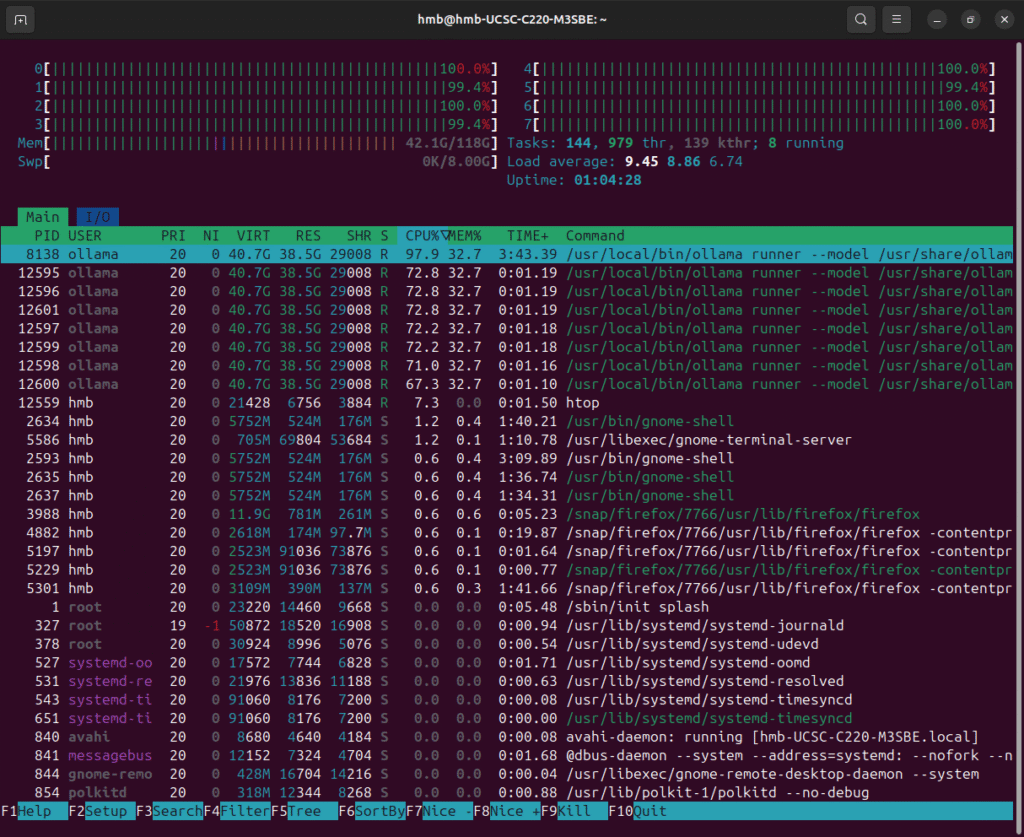
4. Monitor CPU / RAM (Optional)
sudo apt install htop -y
htop
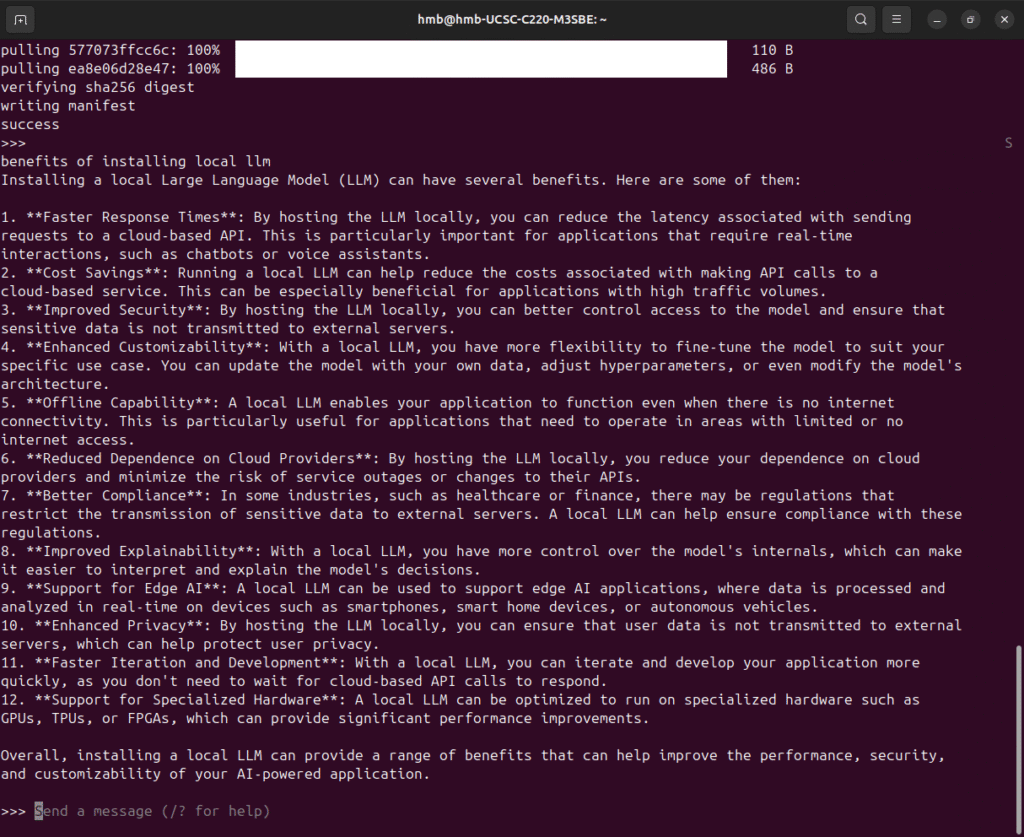
5. Start interactive chat

Related Posts

My Journey into Open AI: Exploring K2 Horizon
Background:MBZUAI’s Institute of Foundation Models (IFM) has launched K2 Horizon,...

Project RAG System
IntroductionThis project demonstrates the practical application of LangChain, Retrieval-Augmented Generation...

Jarvis AI Voice Assistant Project
1. Project ObjectiveBuild a fully local AI voice assistant that...