Install Local LLM (Quick Guide)

This guide will walk you through the process of installing Ollama on a fresh Ubuntu setup, enabling you to run the model on your own hardware without relying on cloud-based services.
1. Install curl
sudo apt update
sudo apt install curl -y
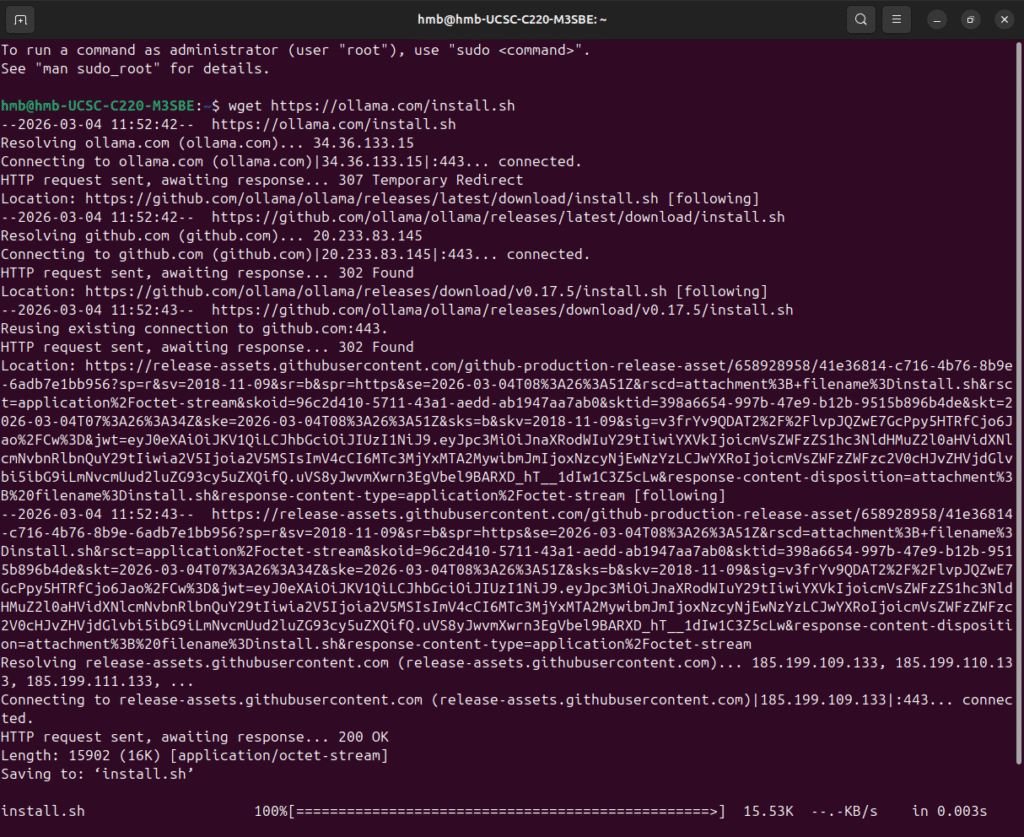
2. Install Ollama
curl -fsSL https://ollama.com/install.sh | sh
Verify:
ollama --version
3. Run a Model
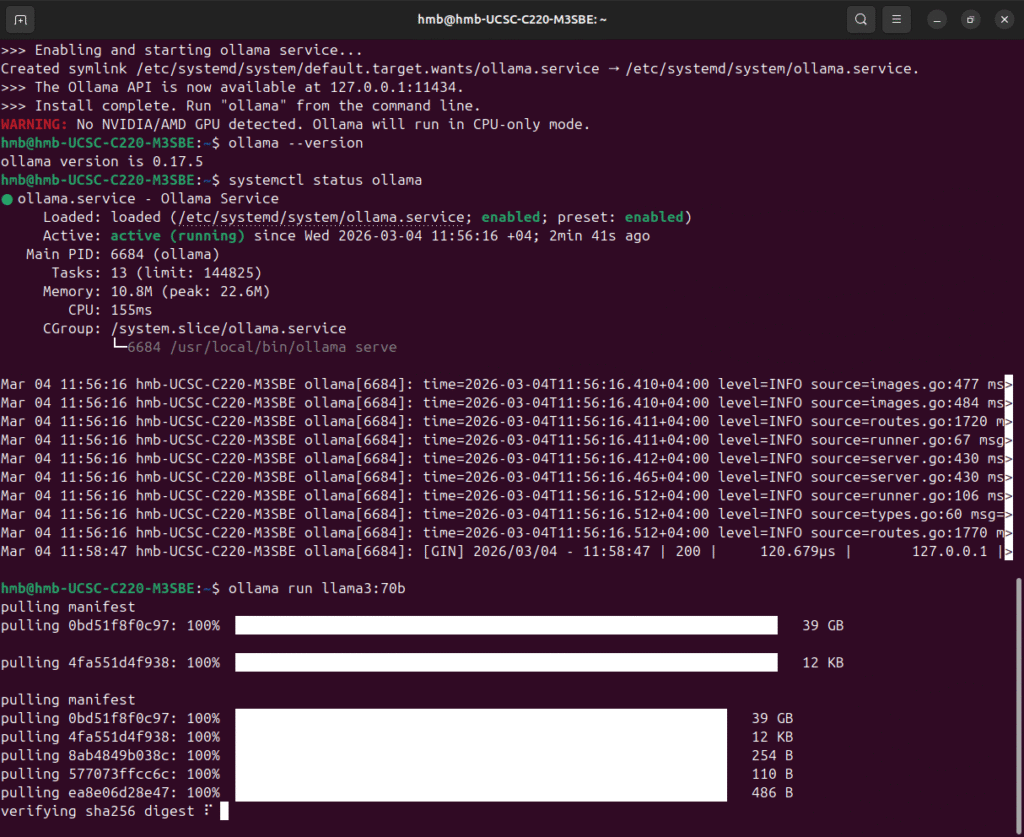
Example (recommended for CPU):
ollama run llama3:8b
Or faster 7B option:
ollama run mistral:7b
First run will download the model
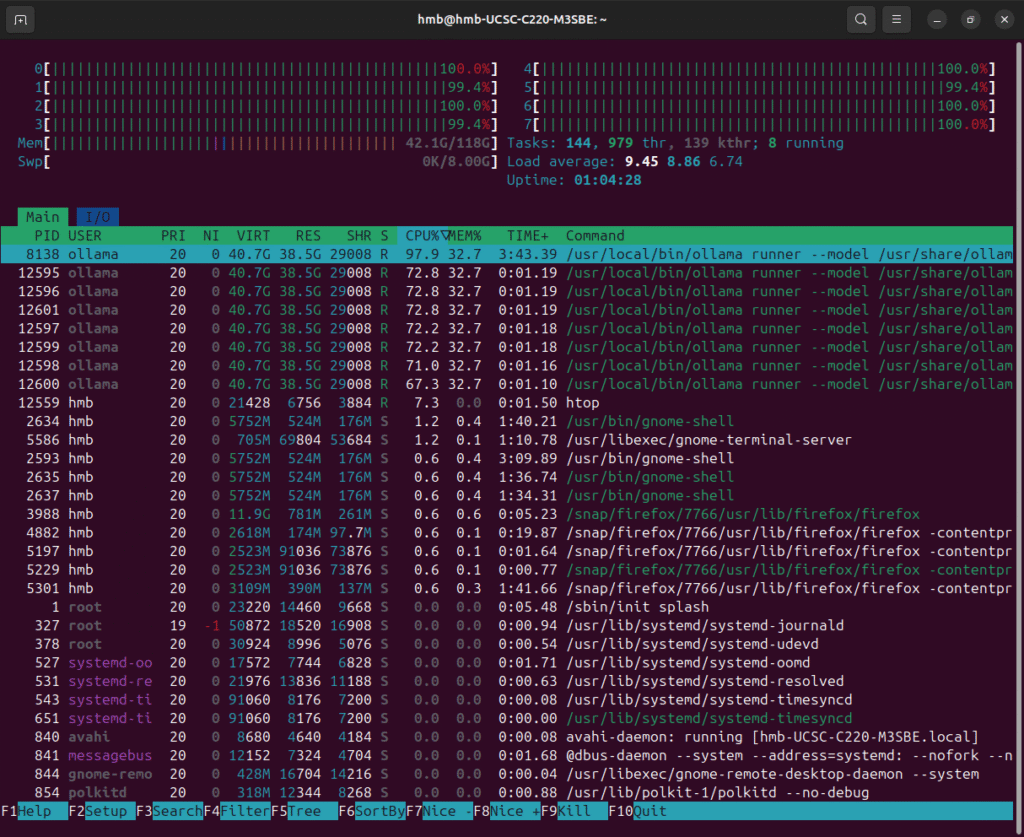
4. Monitor CPU / RAM (Optional)
sudo apt install htop -y
htop
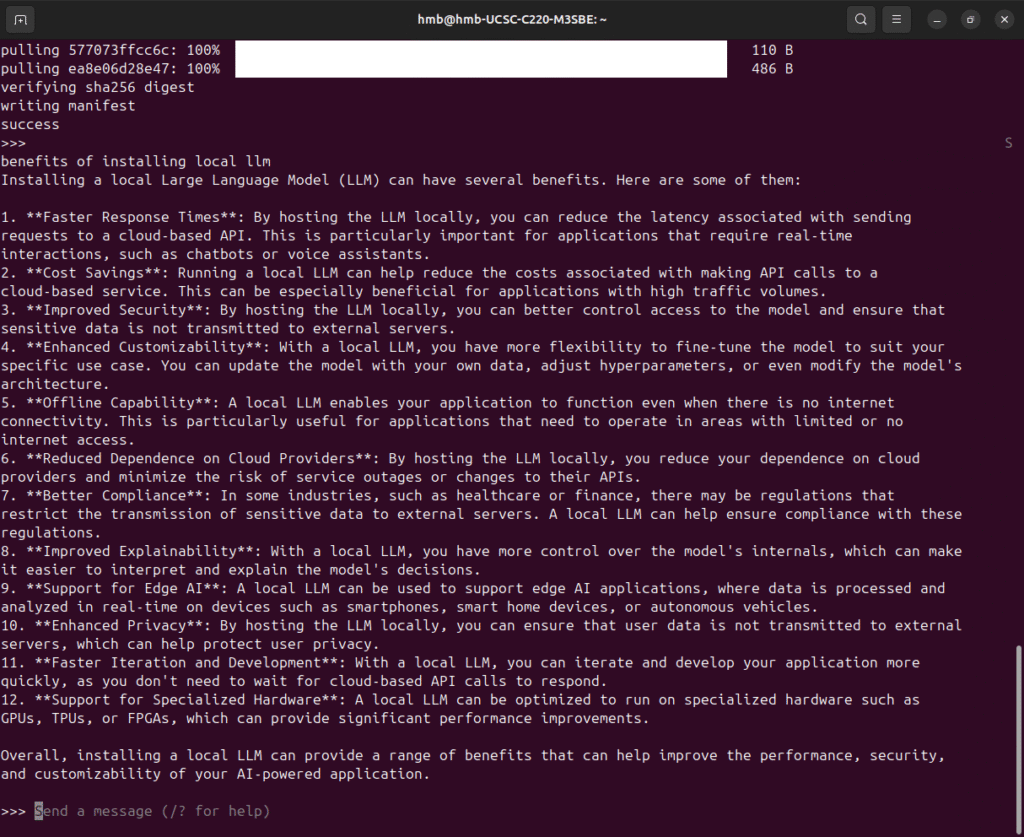
5. Start interactive chat

Related Posts

Building a Dedicated Console Access Server for Cisco Lab
Managing a Cisco lab with multiple routers and switches is...
Basic SIEM Home Lab Using Elastic Cloud
Create an Elastic Account.Visit https://www.elastic.co and sign up for a...

Basics of Pivoting
In this post, we’ll walk through how to pivot from...